

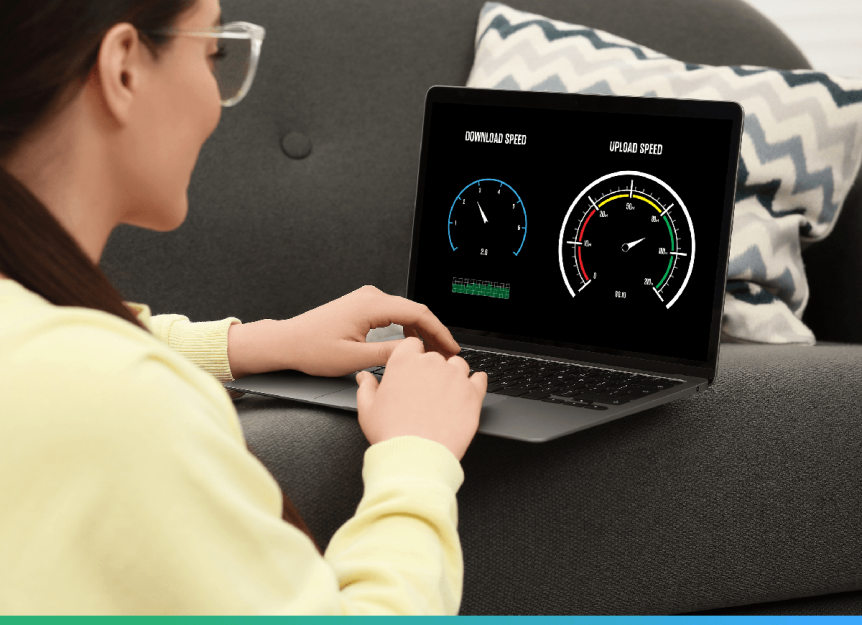
If you’ve ever typed “how much internet speed do I need” into a search bar at 9pm, you’re in good company. Internet ads toss around big numbers and bigger adjectives as if we all agreed on what they mean. This guide translates them into plain English for homes in the Roaring Fork and Eagle Valleys, and for anywhere else in Colorado where the roads wind and the signal has opinions.
What Is Mbps? The Short, Jargon-Free Version
Mbps stands for megabits per second. It measures how much data your connection can move every second, and it’s the number you’ll see next to nearly every internet plan.
Picture a pipe carrying water to your house. A higher Mbps number is a wider pipe. The water doesn’t move any faster, but more of it fits through at once, which is exactly what you want when the whole household turns on the tap at 7pm.
One small trap: a lowercase b means bits, and an uppercase B means bytes. A byte holds eight bits, so a file size listed in MB and an internet speed listed in Mbps aren’t measured the same way. Providers always advertise speed in Mbps, so that’s the one to compare when you’re shopping internet speed plans.
Download vs. Upload: The Second Number Everyone Skips
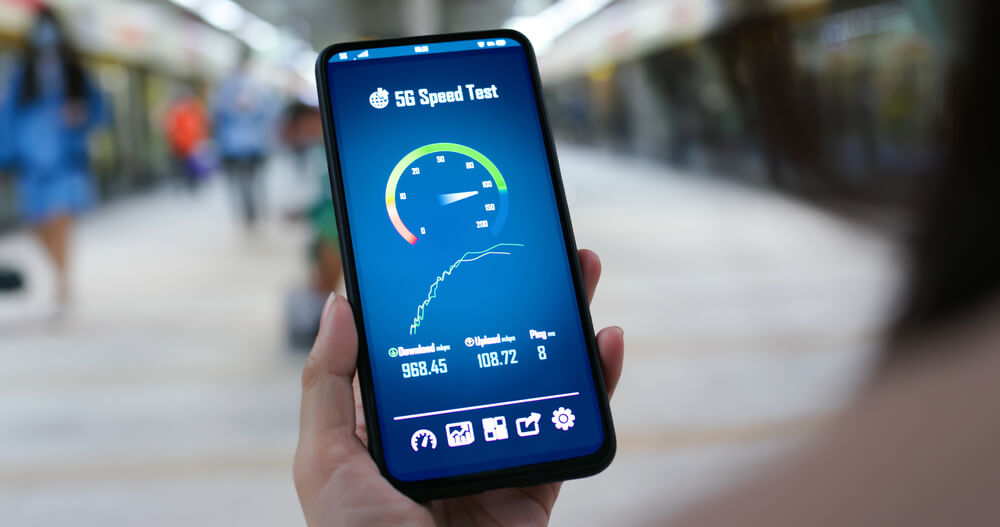
Most plans lead with the download number, and for good reason. Download speed covers everything coming into your house, like streaming a show, loading a website, or pulling down a software update.
Upload speed covers everything going out. That includes your face on a video call, photos backing up to the cloud, and the big file your boss needs by noon. If anyone in your house works from home, runs a small business, or sends large files, upload is the number that decides whether your day goes smoothly.
You’ll also see the terms symmetrical and asymmetrical. Symmetrical means the upload and download speeds match. Asymmetrical means downloads get the bigger share, which is how most connections work. Pathfinder’s fiber is symmetrical at 940/940 Mbps. Our fixed wireless service reaches up to 500/125 Mbps depending on your address, and its upload speed is at least double what the competition offers. You can see what’s offered for homes on our residential internet page.
So, How Much Internet Speed Do I Need?
The quick answer: for most Colorado households, a connection in the neighborhood of the FCC’s current broadband benchmark of 100 Mbps download and 20 Mbps upload is a solid starting point. Larger or busier homes will want more headroom.
The better way to size your connection is to count what happens at the same time, not how many people live in the house. One person streaming is easy. Four people streaming, one on a video call, a gamer mid-match, and a pile of smart devices all doing their own thing is a different story.
By Household
| Household | What a typical evening looks like | What to prioritize |
|---|---|---|
| Solo or couple | A show or two, some browsing, the occasional video call | A solid, reliable connection; moderate speeds usually do the job |
| Family with streamers and gamers | Several screens at once, online games, homework | Plenty of download headroom and low lag |
| Work-from-home household | Video meetings, cloud files, VPNs, all day | Strong upload speed and a steady connection |
| Large home or smart-home-heavy property | Cameras, thermostats, speakers, and guests with devices | High capacity and good Wi-Fi coverage throughout |
By activity
| Activity | Download demand | Upload demand |
|---|---|---|
| Browsing and email | Low | Low |
| Streaming HD video | Moderate | Low |
| Streaming 4K video | Higher | Low |
| Video calls | Moderate | Moderate |
| Online gaming | Moderate (steady, low lag matters most) | Low to moderate |
| Cloud backup and large file sharing | Low to moderate | High |
| Smart home devices and cameras | Low each, adds up fast | Moderate for cameras |
Why Your Speed Test Doesn’t Match What You’re Paying For
You paid for one number, you ran a speed test, and you got a much smaller one. Before you blame your provider, check a few things that have nothing to do with the plan.
Wi-Fi vs. Wired
Wi-Fi loses strength as it travels. In a big mountain home with stone walls, log construction, or three floors, the router in the corner office may barely reach the kitchen. A speed test run over a cable plugged straight into your router shows what your connection is really delivering.
The 7pm rush
Shared connections can slow down when everyone in the area gets online at once. If your speeds sag every evening, that pattern is worth noticing.
Old equipment
A router that’s been around for years may not be able to handle modern speeds, no matter how good the connection coming into the house.
Too many devices
Every phone, tablet, camera, and speaker on your network takes a small slice. Together they take a surprisingly big one.
For a fair test, plug in with a cable if you can, pause downloads and streams on other devices, and run it a few times at different hours. A single test at a single moment tells you very little.
Colorado Is Not Like Everywhere Else (Internet Edition)
Internet advice written for city apartments doesn’t always survive contact with a mountain road. Here, homes sit at the end of long driveways, behind ridgelines, and in valleys where the nearest cell tower is a rumor.
Weather matters more here too. Snow, wind, and heavy rain are part of the deal, and some connection types handle them better than others. Our network is built for Colorado weather. We won’t call it weatherproof, because nothing out here is, but it’s designed for the conditions you actually live in.
Fixed wireless is a big part of how we reach homes in the valley, and it works a little differently than a wire in the ground. It relies on a clear line of sight between your home and our equipment, which is why coverage can change from one street to the next. Your neighbor across the creek might get a different answer than you do, and the only way to know is to check your exact spot.
We serve homes across the Roaring Fork and Eagle Valleys, from the Carbondale area to Rifle and plenty of places in between. You can see where we run on our coverage page.
Decoding the Fine Print: “Up To,” Latency, and Data Caps
Internet marketing has a lot of small print, and a few phrases deserve a closer look.
“Up to” speeds
This phrase describes the ceiling, not the guarantee. Real speeds depend on your address, your equipment, and the time of day, which is why we tell people to check their exact spot before they pick a plan.
Latency
Latency is the delay between you asking for something and the internet answering. It doesn’t show up in the Mbps number, but you feel it on video calls and in online games. Low latency means conversations flow naturally and your character doesn’t teleport.
Data caps and throttling
Some plans slow you down or charge extra after you use a certain amount of data. If your household streams, works from home, and games, that threshold arrives faster than you’d expect. Pathfinder plans come with unlimited data and no caps.
What Pathfinder Offers Colorado Homeowners
We’re a local company, and we build for the way people here actually live. For homes, that means:
Fiber service with symmetrical 940/940 Mbps speeds where it’s available.
Fixed wireless service with speeds up to 500/125 Mbps, depending on your address.
Unlimited data with no caps.
- Month-to-month service, or a contract if you’d rather lock in a rate.
Local techs who handle installation and support, and a real person on the phone at 970.808.0000.
Quick FAQ
Is 100 Mbps fast enough for a family?
For many families, yes. It matches the FCC’s current broadband benchmark for download speed. A household with several heavy streamers, gamers, and remote workers all active at once may want more headroom, and upload speed matters as much as download for anyone working from home.
What’s a good upload speed for working from home?
The FCC’s benchmark of 20 Mbps is a reasonable starting point for a single remote worker. If several people in your house are on video calls or moving large files at the same time, you’ll want a good deal more.
Does weather affect internet speed in Colorado?
It can, depending on the type of connection. Heavy snow and rain are harder on some technologies than others. Our network is built with Colorado weather in mind, and a local tech who knows your road is a phone call away if something goes wrong.
Is fixed wireless internet fast enough for streaming?
Yes. Our fixed wireless service reaches up to 500 Mbps download depending on your address, which is plenty for streaming on multiple screens at once.
How do I know what speeds are available at my address?
Coverage in the mountains changes street to street, so the only reliable answer comes from checking your exact address. You can do that on our coverage page, or call us and a human will answer.
Let’s See What’s at Your Address
One quick check tells you what speeds are available on your road. Check your address or call 970.808.0000 and talk to someone who lives here too. If you’d rather start a conversation, you can always get in touch.